TYVM

TYVM for what you make and do

Share your work. Share what you do. Gain support. Set up in under five minutes.
Already have one? Sign in.

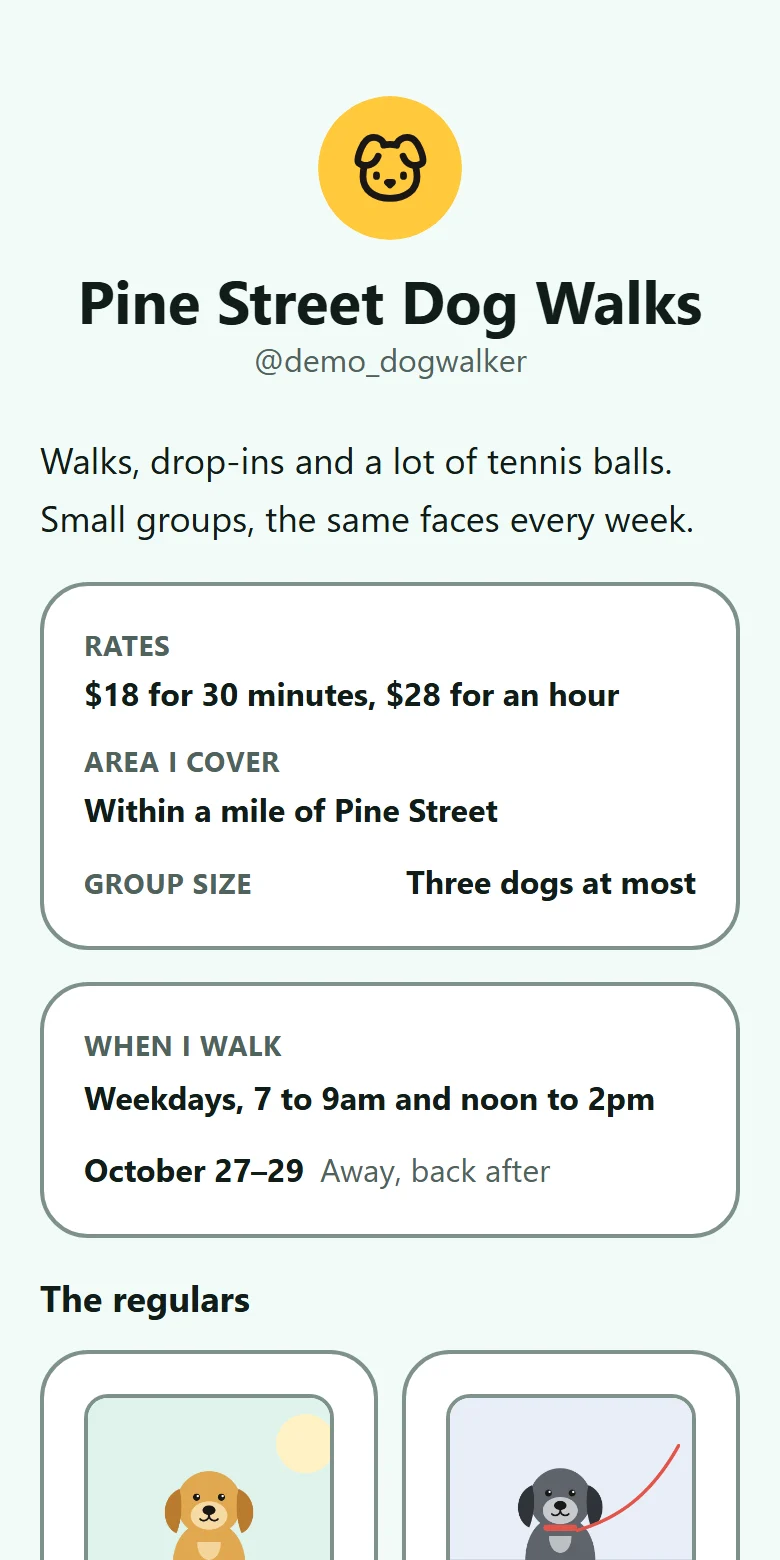
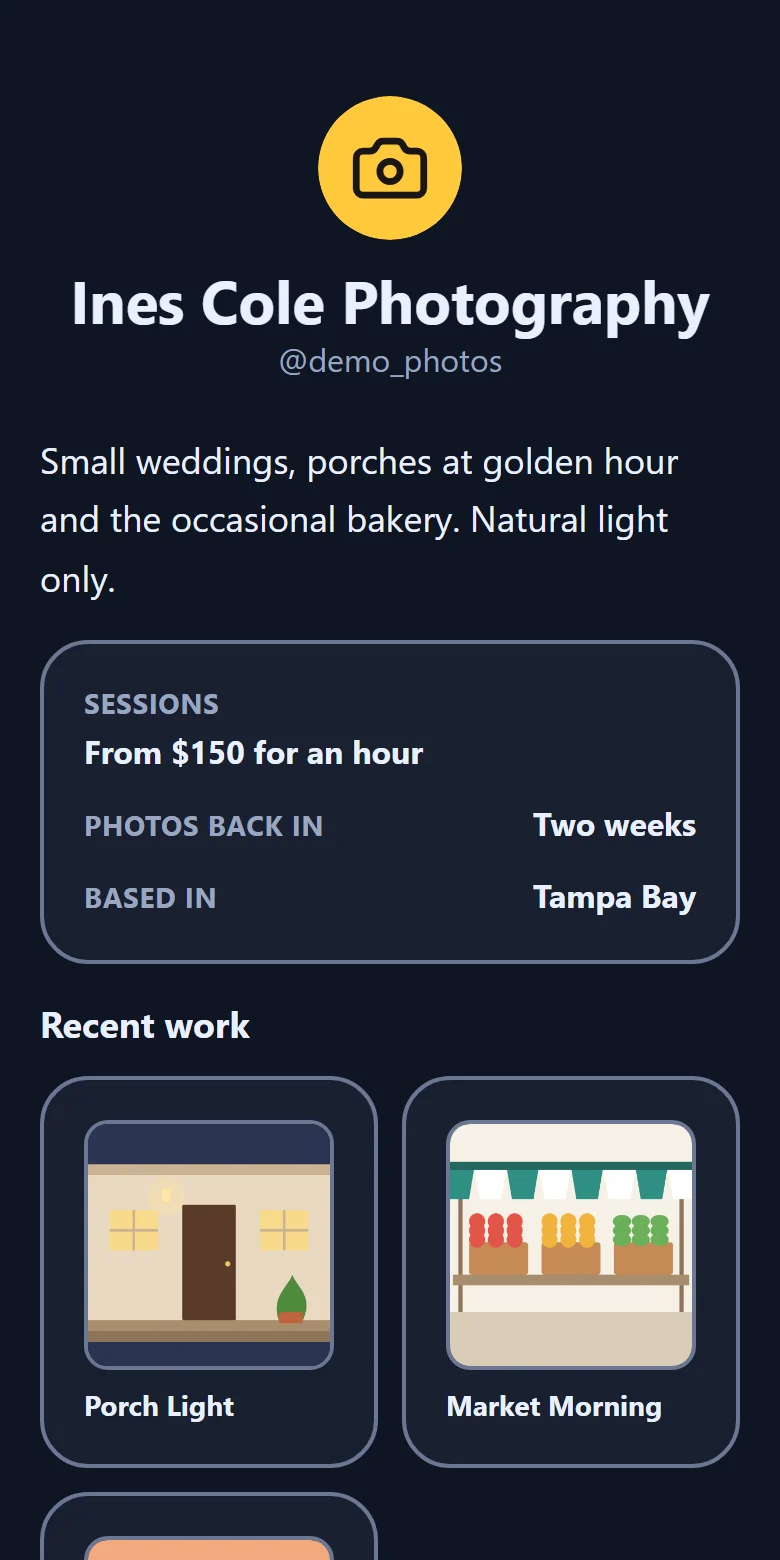
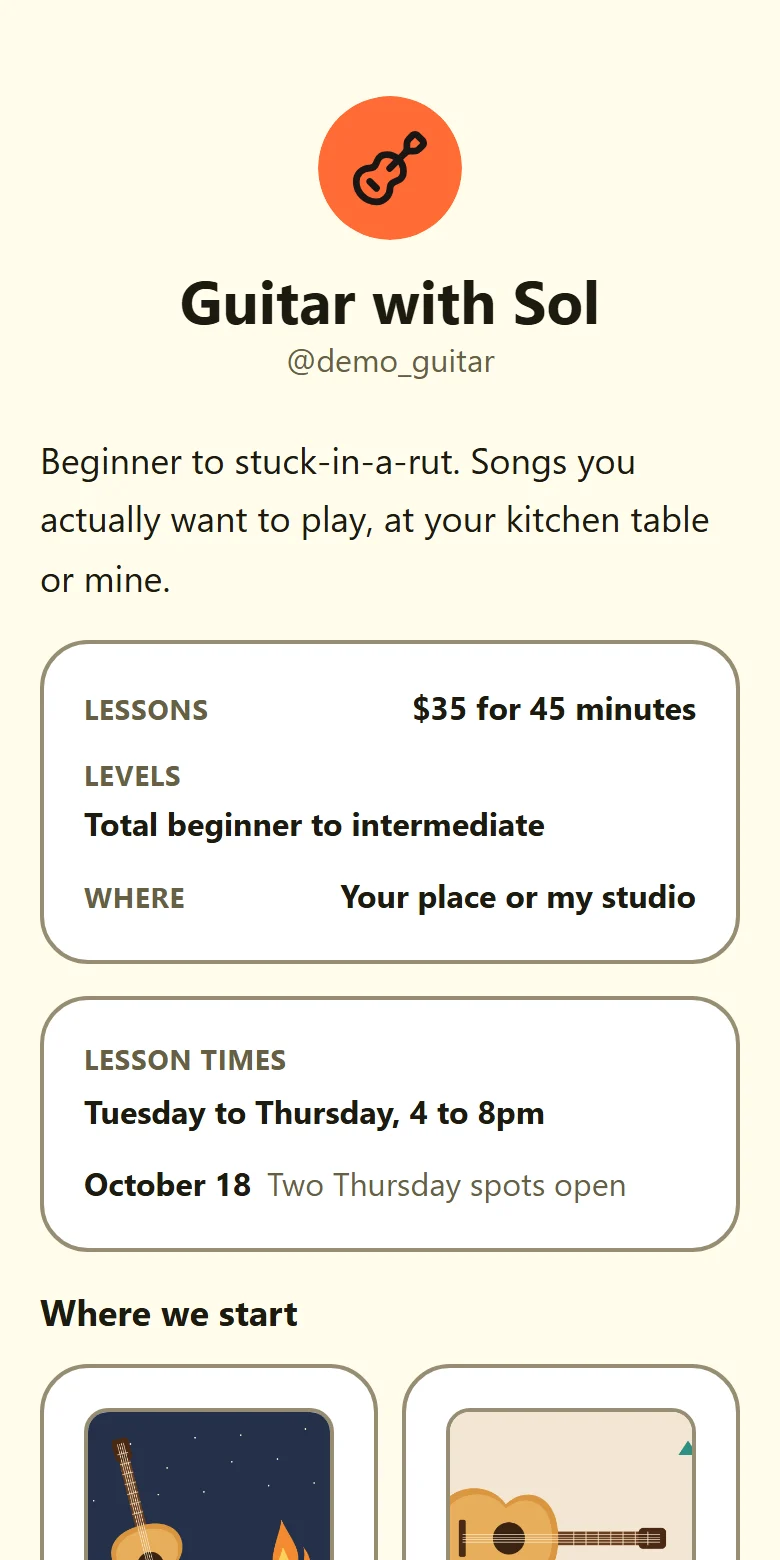
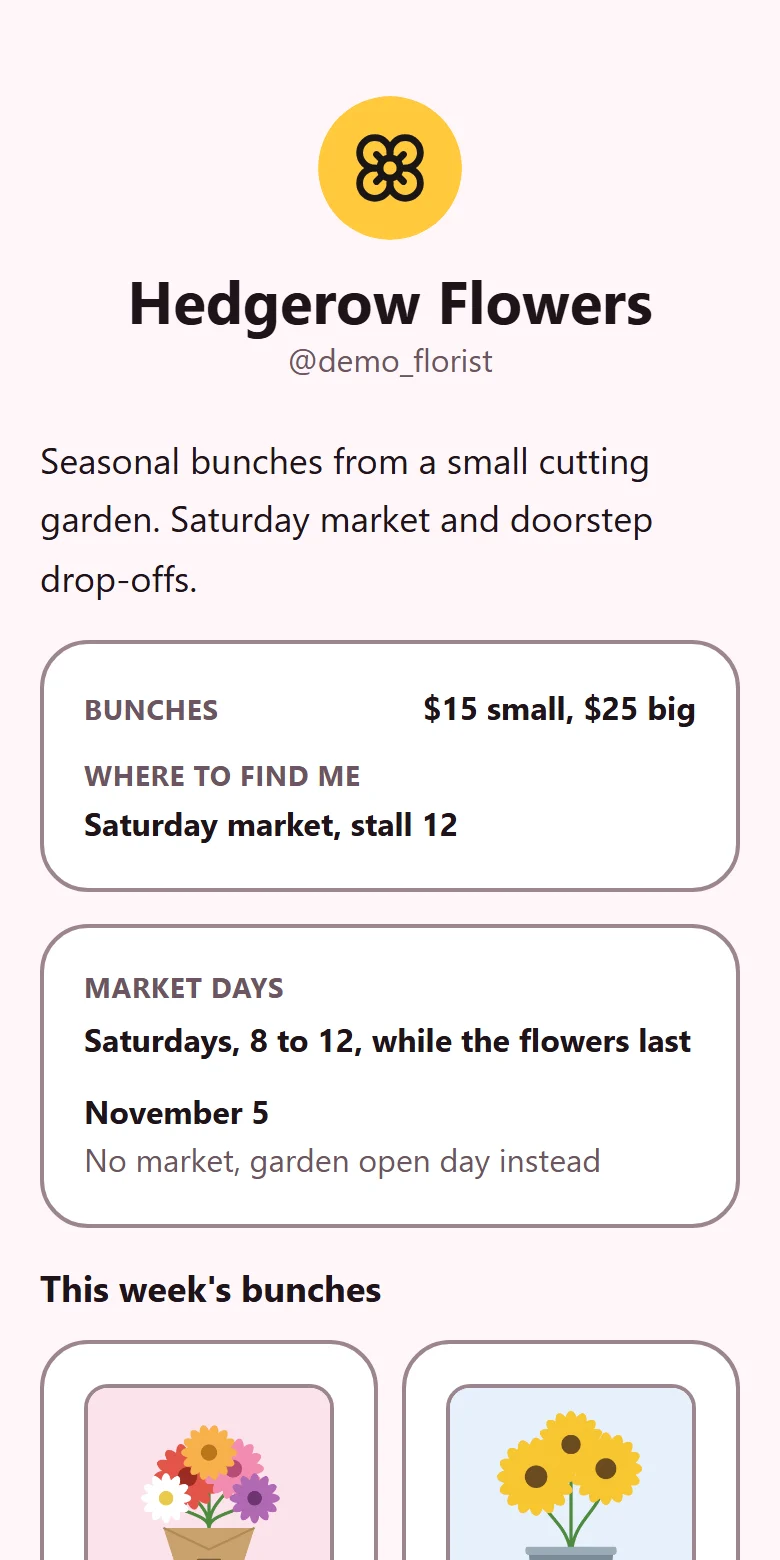
An example TYVM page for a baker, made up for this site, in the Clementine theme.An example TYVM page for a dog walker, made up for this site, in the Seafoam theme.An example TYVM page for a photographer, made up for this site, in the Midnight theme.An example TYVM page for a guitar teacher, made up for this site, in the Lemonade theme.An example TYVM page for a market florist, made up for this site, in the Bubblegum theme.An example TYVM page for a baking club, made up for this site, in the Campfire theme.
An example page. Tap a color to see another.
No cut of your support No ads, no trackers Your money never touches us Built for kids, with a grown-up in charge
✳ What it is

One simple space for everything you do.

Everyone can set up shop, from artists and makers to tutors and dog walkers.

Your money

Support goes straight to you

Use the Venmo, Cash App or PayPal you already have. The money lands straight in it.

VenmoCash AppPayPal+ your own link
Your people

Thanks, not checkout

A page with nothing for sale is still a great page.

Out in the world

Scan to visit

A QR code comes built in. Print it on a flyer or a sign for your stall.

A head start

Start from a template

Babysitter, tutor, artist, musician. Pick one and change it.

Your assistant

Build it by hand, by asking, or both

Connect the AI assistant you already use, and with your yes it can help build your page. Ready when the app opens on November 1. It follows the same rules you do: it acts only where you, or your grown-up, said yes.

✳ See one

Here’s what a page looks like.

Wren is an example baker we made up. Her pages are screenshots straight from the app.
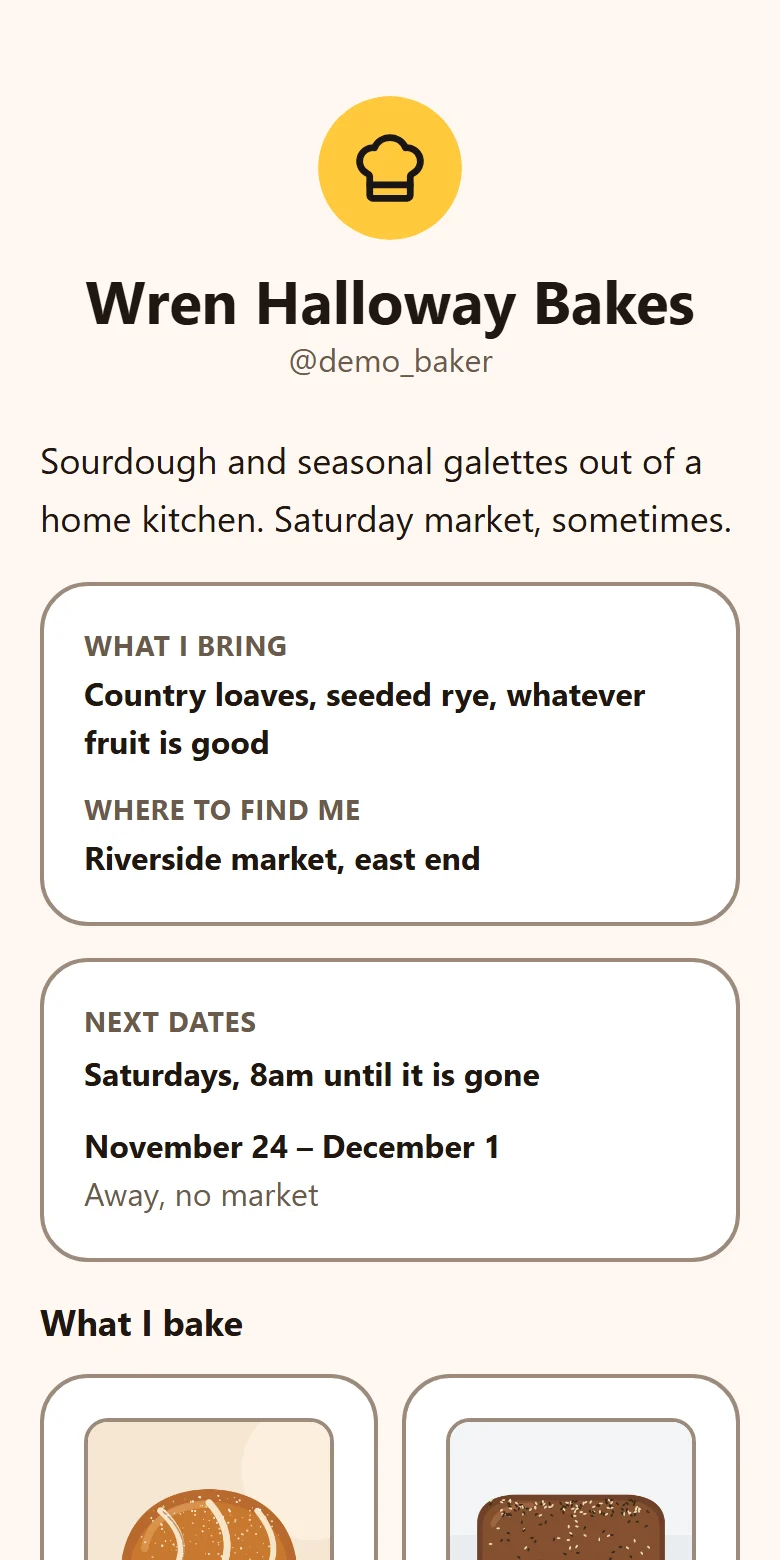
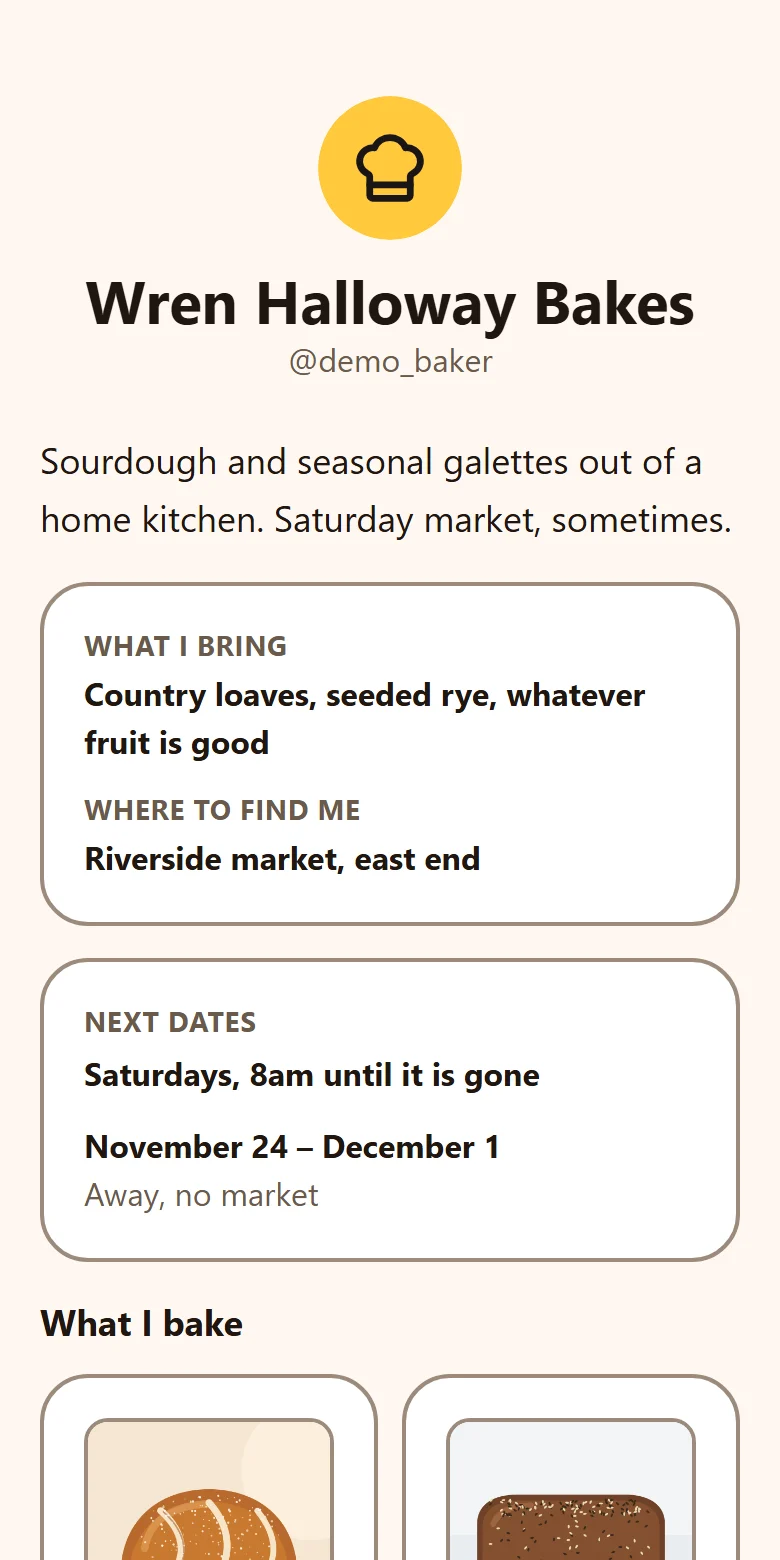
  • Wren Halloway Bakes, an example TYVM page in a warm orange theme: a round avatar, the @demo_baker handle, a short bio, what she brings and where to find her, and her next market dates.
    Example page

    One @ for everything you do

    Pick a theme, say what you do and where to find you. One link to share.
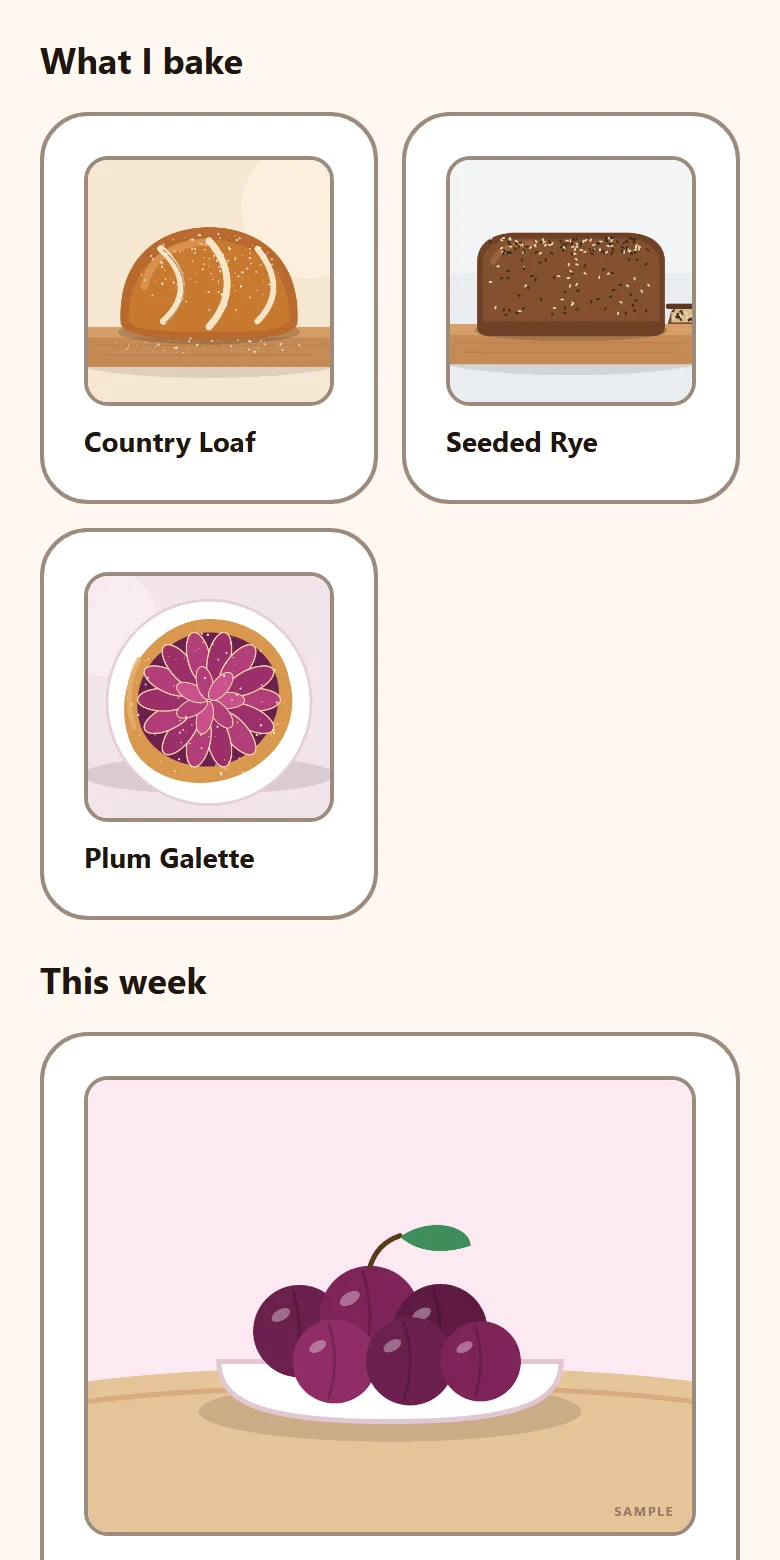
  • The "What I bake" section of the example page: three cards with pictures, Country Loaf, Seeded Rye and Plum Galette.
    Example page

    Show what you make

    Every thing gets its own picture and its own card.
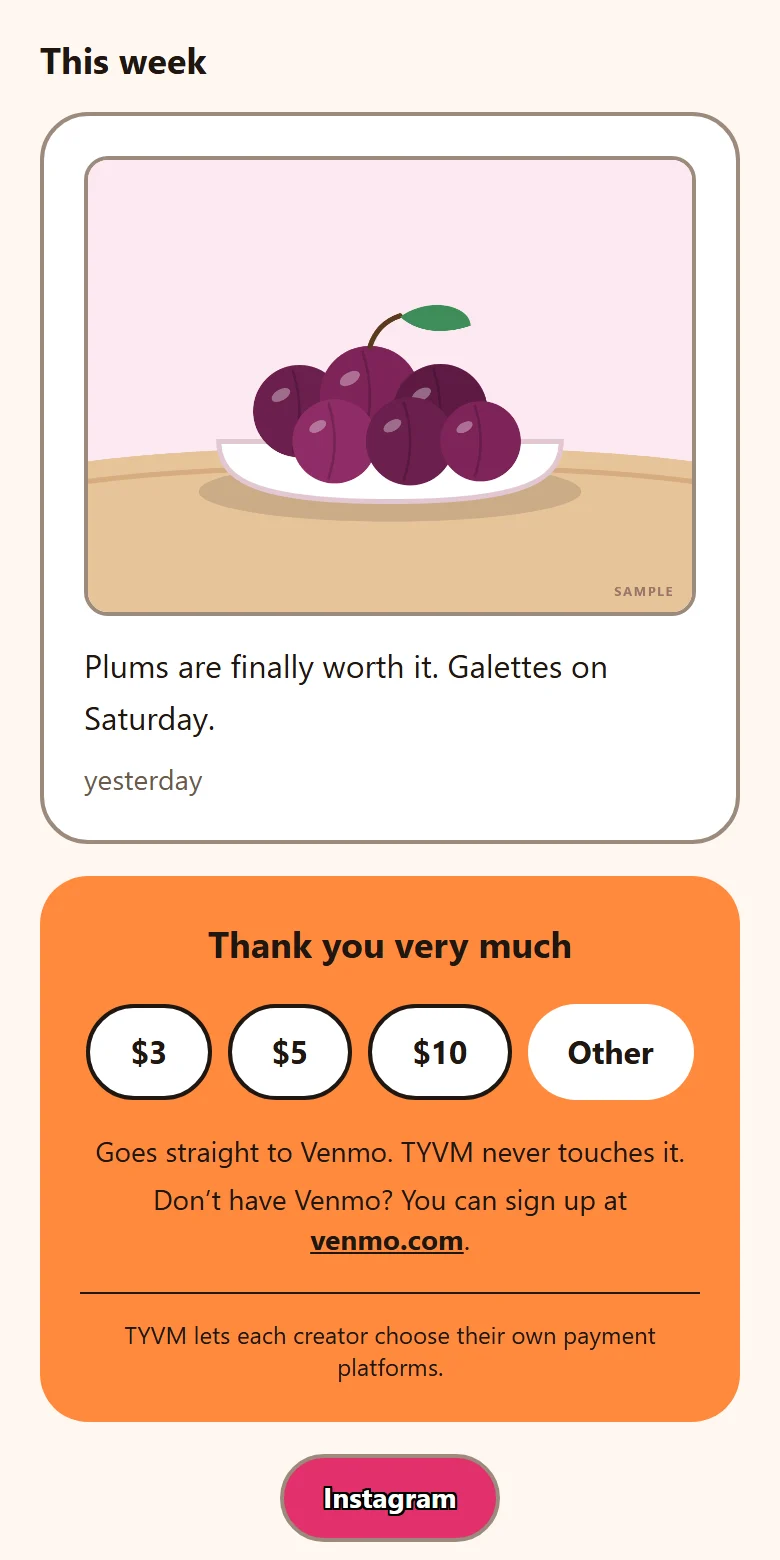
  • A post with a picture of plums, then a thank-you box with $3, $5, $10 and Other buttons and the line "Goes straight to Venmo. TYVM never touches it."
    Example page

    Thanks go straight to you

    Post what’s new, and let people say thank you. It goes to your own Venmo, and we never touch it.
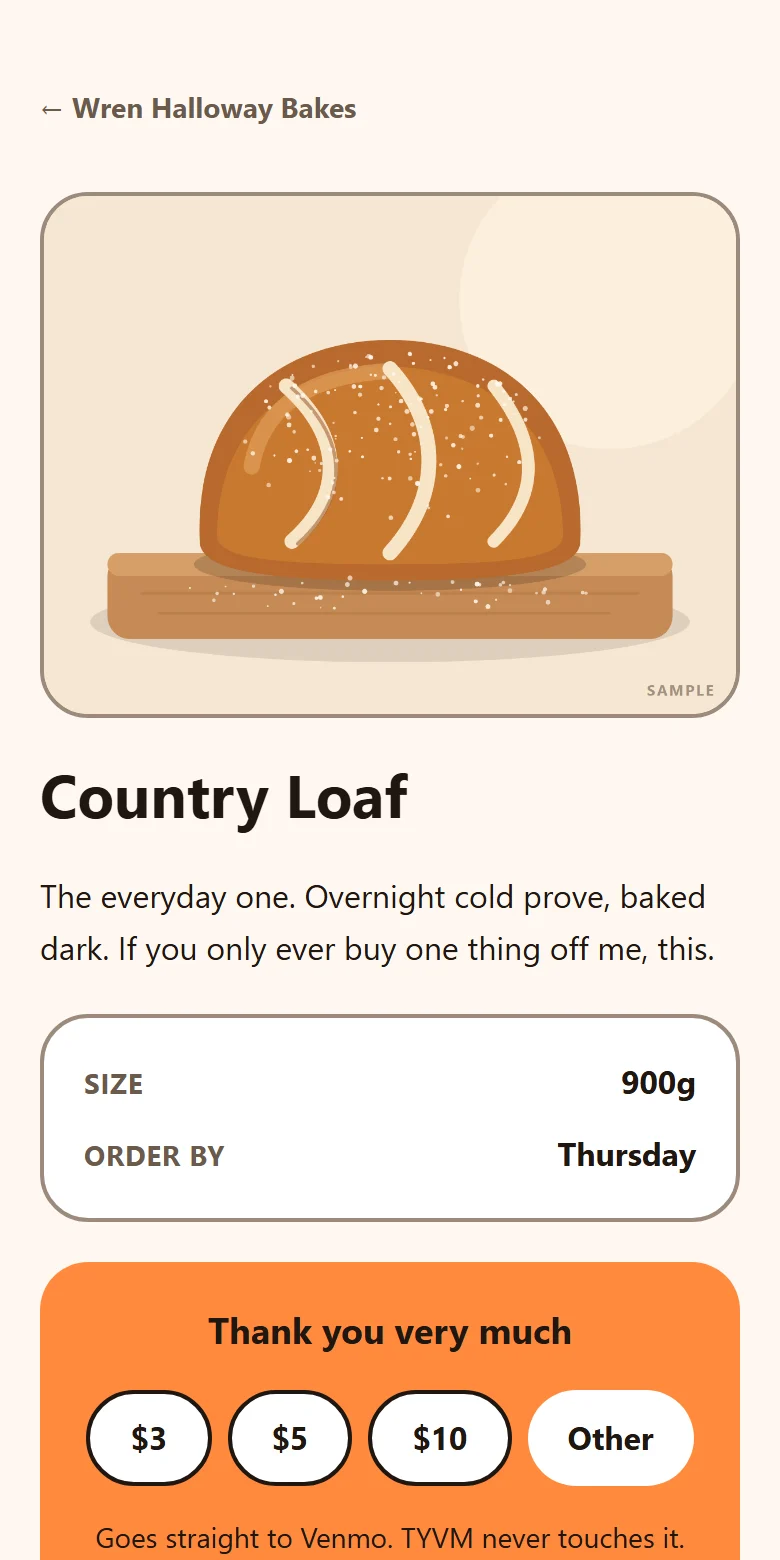
  • The Country Loaf page: a large picture, a short description, its size and order-by day, and a thank-you box.
    Example page

    A page for each thing

    With the facts people ask about, and a link you can hand out on its own.
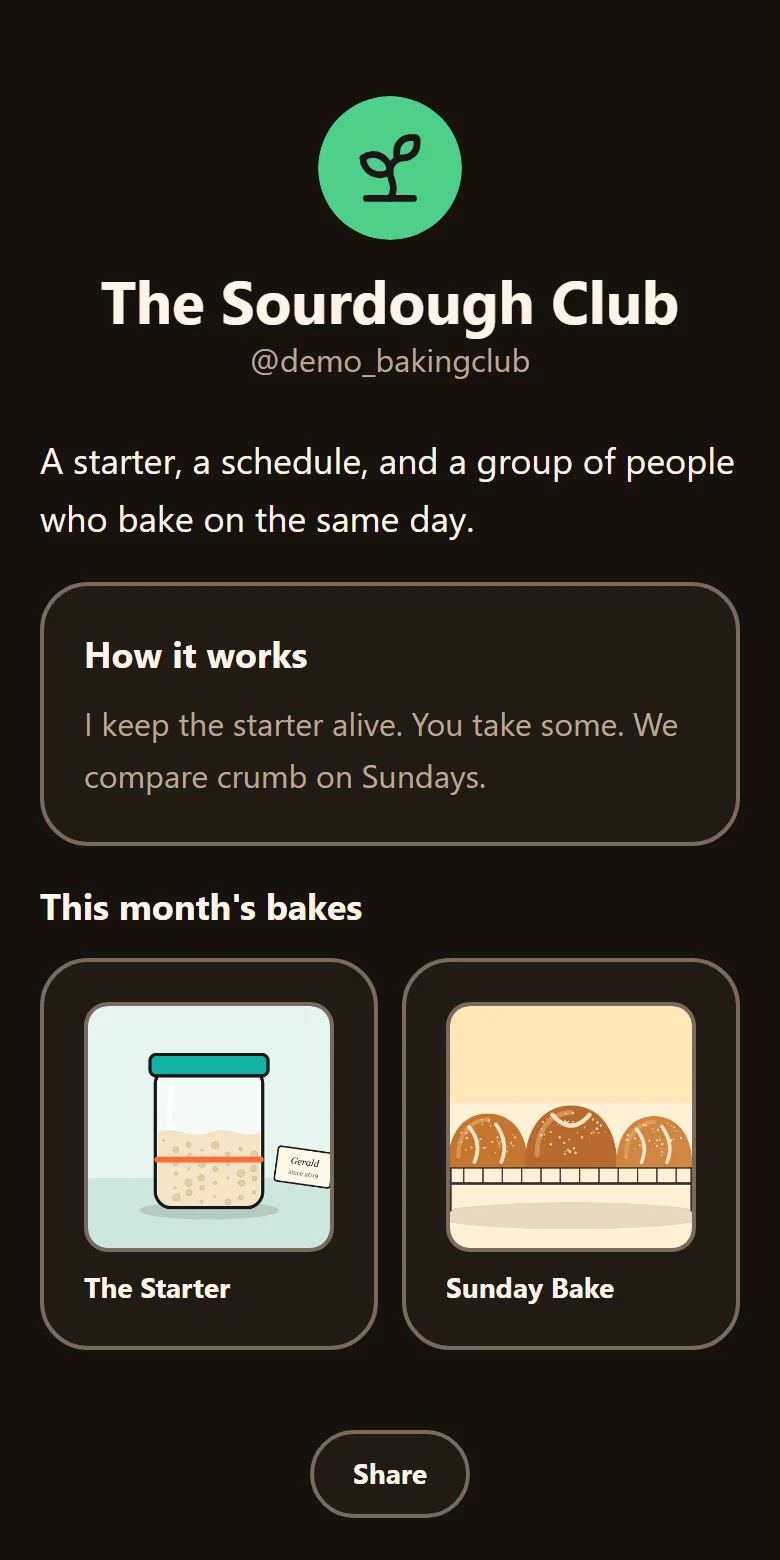
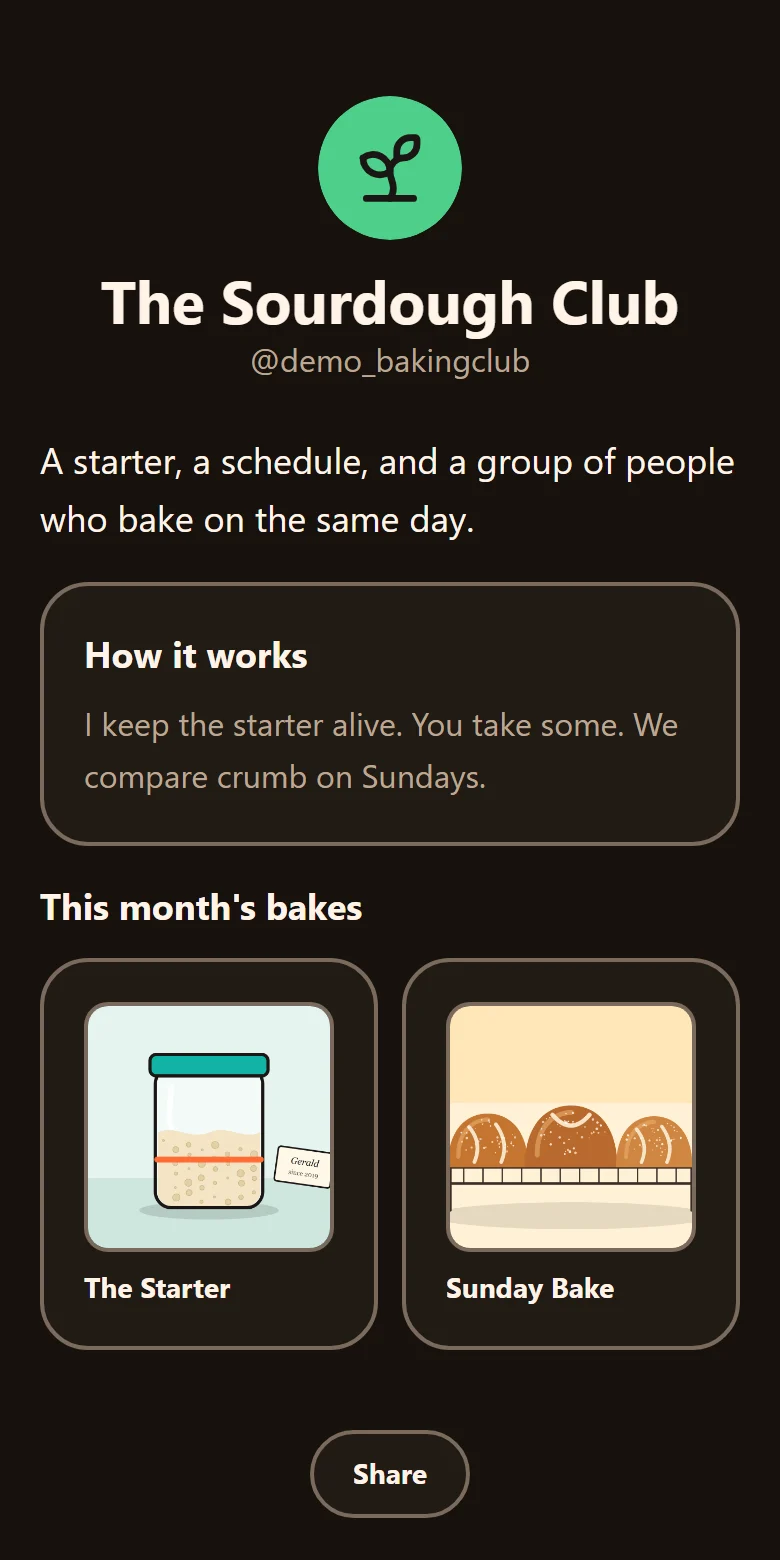
  • A second example page, The Sourdough Club, in a dark theme, with its own @demo_bakingclub handle and two bakes with pictures.
    Example page

    More than one thing going on?

    Give each one its own space, with its own @ and its own look.

✳ How it’s different

Not your typical link page.

This is a community that includes kids, so it’s built to be safe and simple, not to chase clicks.

Elsewhere, a kid is shut out or on their own
TYVM
Many tip tools are 18 and over
✳ Built for 13 and up, with a grown-up on the money
Some take a fee on what you’re sent
✳ Never a cent
Trackers and third-party analytics are common
✳ None. We count visits per page per day, without knowing who
Kids are an afterthought, or not allowed
✳ Made safe for kids from day one
✳ For a grown-up

You set it up. You stay on it.

You pick the @ and build their space with them, and you stay on it until they turn 18. They sign in once to make it theirs.

  • You approve where the money goes. Nothing on their page can take money until you’ve joined, and you approve the exact payment link before it goes live.
  • See it all, pause anytime. Their whole space, drafts and all, with a pause button whenever you need it.
  • Under 13? Not yet. TYVM starts at 13. On their 13th birthday you can set up a space with them that is theirs from the start.
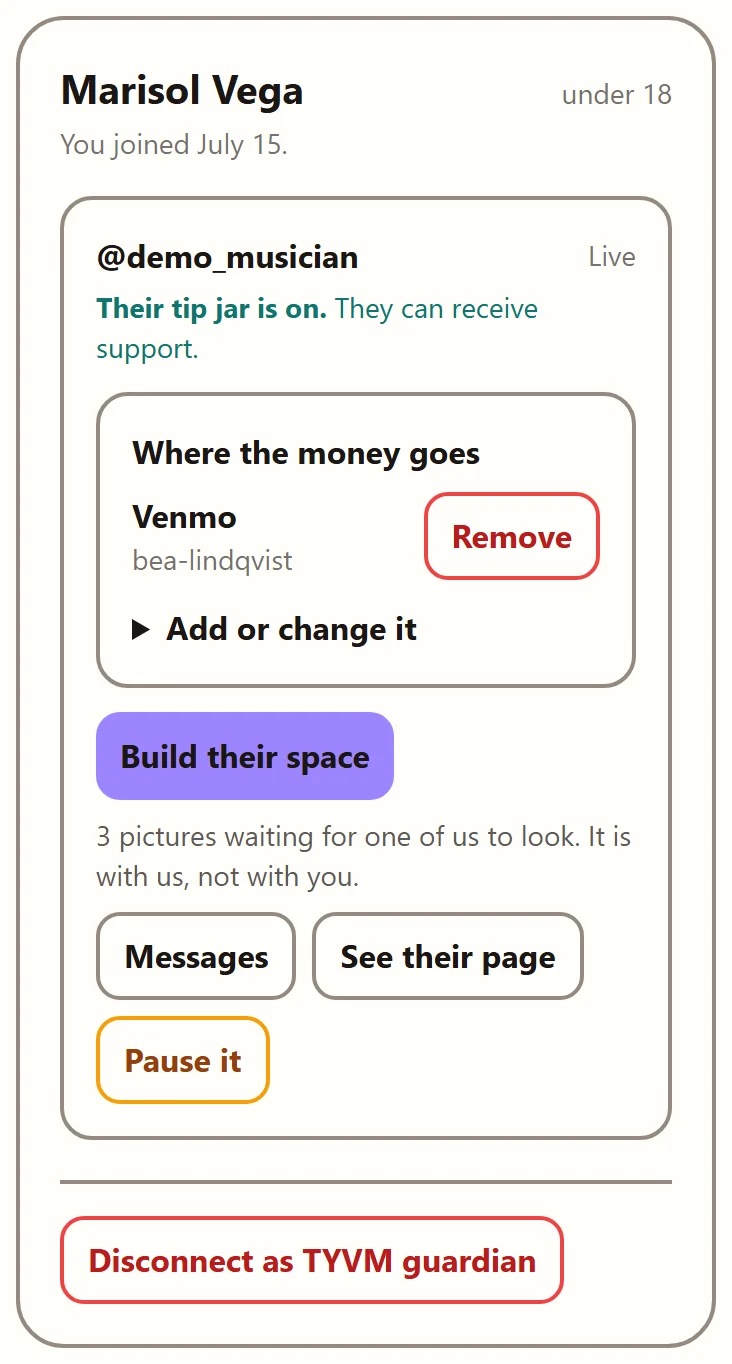
Set up a space for your kid
A grown-up's dashboard card for one young person's page: their tip jar is on, where the money goes (a Venmo the grown-up approved, with Remove), and buttons to build their space, read messages, see their page and pause it.
A grown-up’s dashboard, from the app. The people are made up.
✳ The money

We never touch your money.

You keep all of it. When somebody supports you, they pay you directly, in the app you already use.

A supportertaps your tip jar
→
Youyour Venmo or Cash App
→
TYVMnever in the middle
✳ For the people, by the people

Paid for in the open.

No ads. Right now TYVM is funded by its founder. The plan is to be funded by the people who use it, and we want those people to help steer where it goes next.

We want you to have a vote on what we build next, so the direction comes from the community, not from whoever pays the most. We’re still working out exactly how. One thing’s certain: nobody buys a say. Not a sponsor, not an investor, not the biggest supporter.

✳ Questions people ask

The short answers.

What is TYVM?
TYVM is a link-in-bio page for anything you make or do, with one @ you can share anywhere and a way for people to say thank you. It is for everyone 13 and up, and on a young person’s page a grown-up is in charge of the money.
Is TYVM free?
Yes, making a page and getting support on TYVM are free, and TYVM never takes a cut. One day there may be paid extras for grown-ups, like a custom domain, but never a fee on support and never a wall in front of a page. Who pays for it →
Does TYVM take a cut of tips?
No. Supporters pay the person directly in their own Venmo, Cash App, PayPal, Stripe payment link or website, or in person with a code that opens the person’s own payment app, so the money never passes through TYVM and TYVM takes nothing from it.
Is there a link in bio that is safe for a 14 year old?
Yes, TYVM is a link in bio built for ages 13 and up, with a grown-up in charge of the money. On a page for someone under 18, money and contact features stay locked until a guardian joins, the guardian approves the exact payment link, and the guardian can see and pause the whole page. More for parents →
Can I build my TYVM page with my own AI assistant?
Yes, from launch, with an AI assistant that can connect to MCP tools, the standard TYVM speaks, where that assistant’s own rules allow it. Each assistant sets its own age rules, and some are for adults only. Once you say yes, it can help fill in and arrange your page. If you are under 18, your grown-up has to say yes too. It can never touch money or messages, and it cannot put your page live: going live is still your button.
Who runs and funds TYVM?
TYVM is privately funded by its founder, who runs it for now. Nobody buys a say in how it is run: not a sponsor, not an investor, not the biggest supporter.
✳✳✳

So, what’s your @?

Pick a name and see how it looks. Reserving an @ opens soon.

Reserve your @